Reference
Settings at a glance
Last updated: November 2026
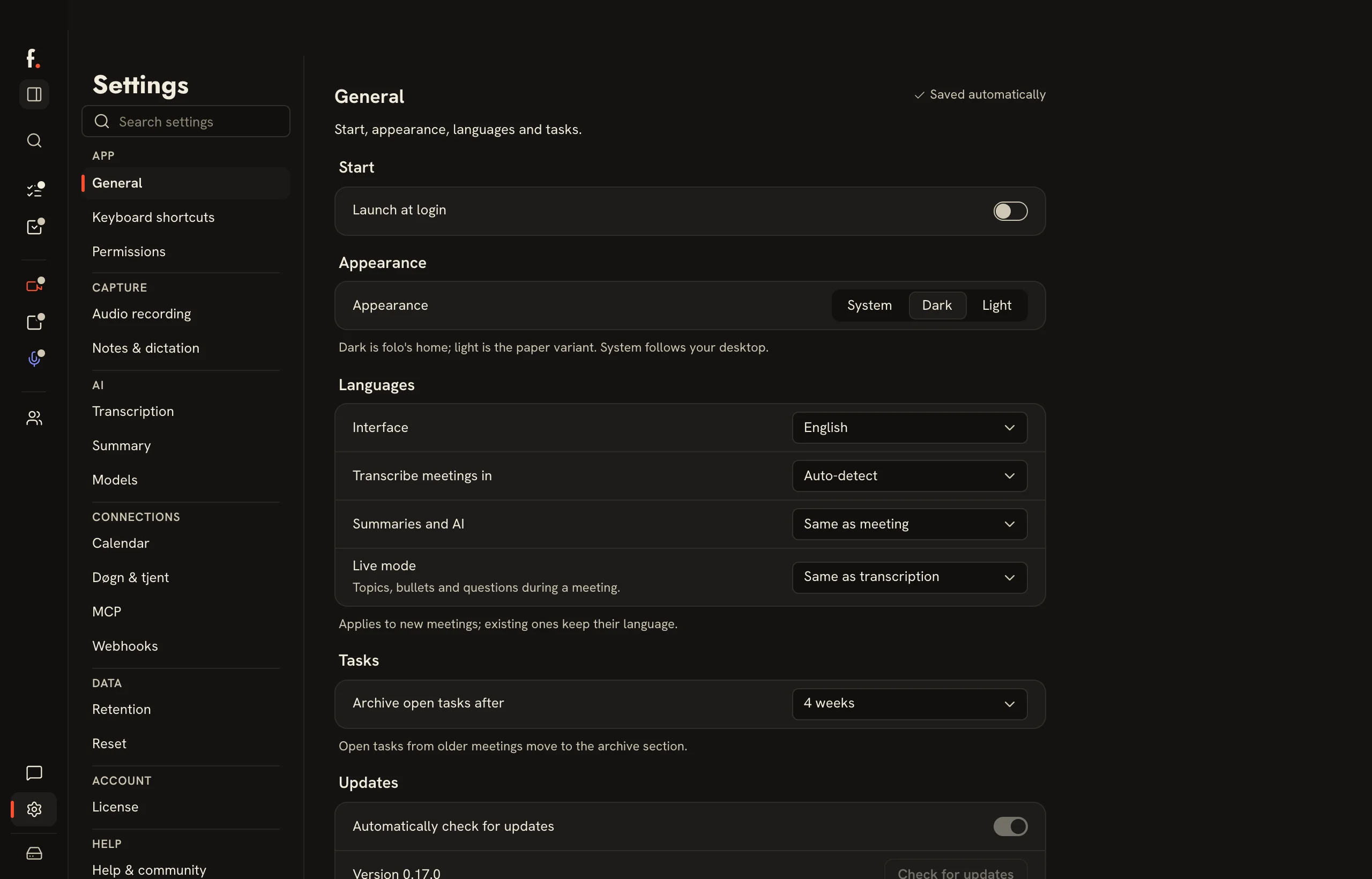
Settings are a page of the main window. Open them at the bottom of the sidebar or with ⌘, (Ctrl + ,), and Esc takes you back. folo saves every change right away, and the search field finds any setting.
Where everything lives
- App. “General” (start, appearance, languages, task archive, updates), “Keyboard shortcuts”, “Permissions”.
- Capture. “Audio recording” and “Notes & dictation”. See Recording a meeting and Notes & dictation.
- AI. “Transcription”, “Summary” and “Models”. See Transcript & speakers and Summaries & templates.
- Connections. “Calendar”, “Døgn & tjent”, “MCP” and “Webhooks”.
- Data. “Retention” and “Reset”. See Privacy & on-device.
- Account. “License”.
- Help. “Help & community” and “About folo”.
Models
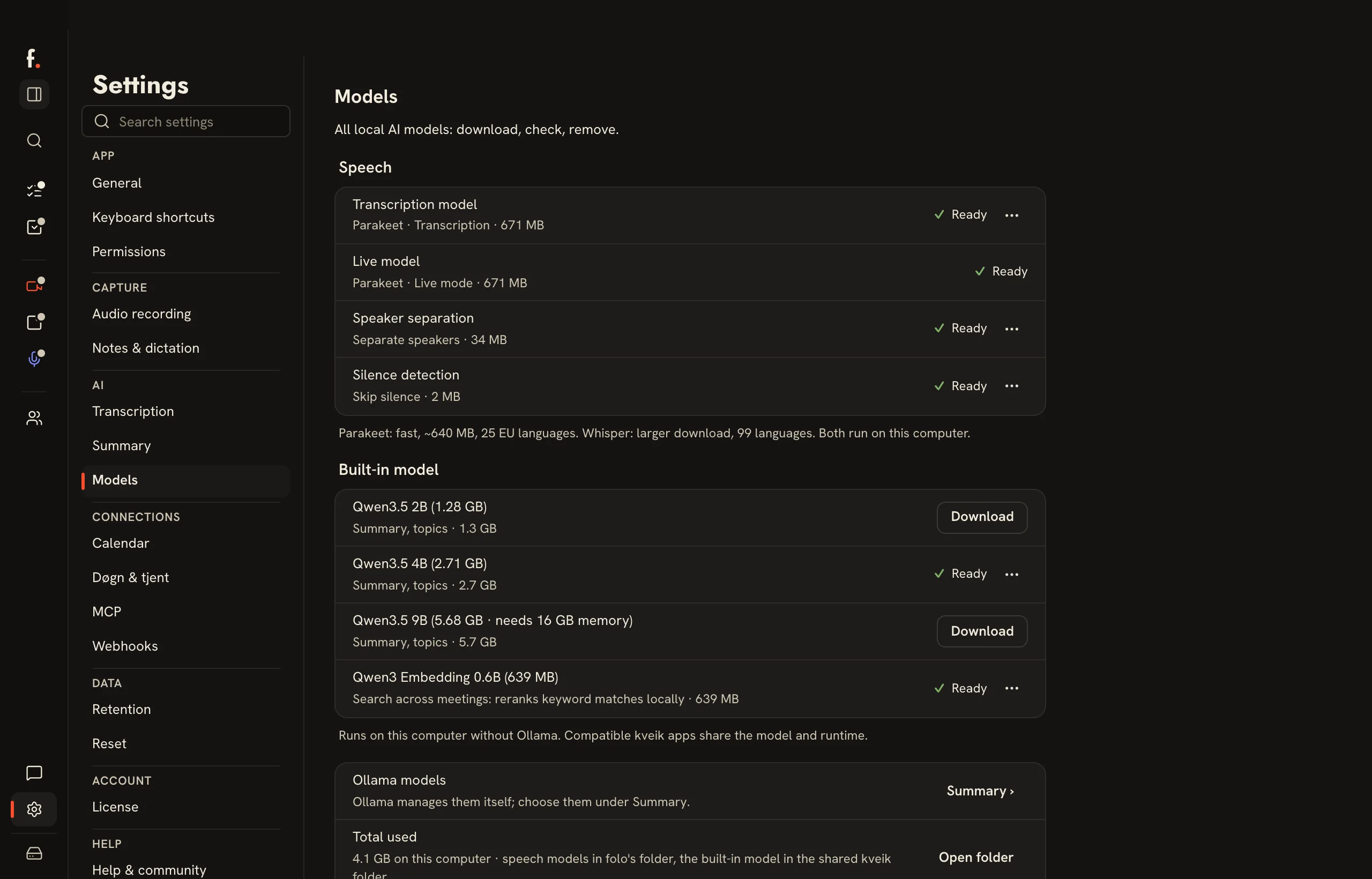
“Models” holds all local AI models in one place: download, check, remove. The “Qwen3 Embedding” model is optional. It reranks search matches locally by meaning; without it, you get keyword search. The kveik apps share the built-in model, so you download it only once.
Feedback and help
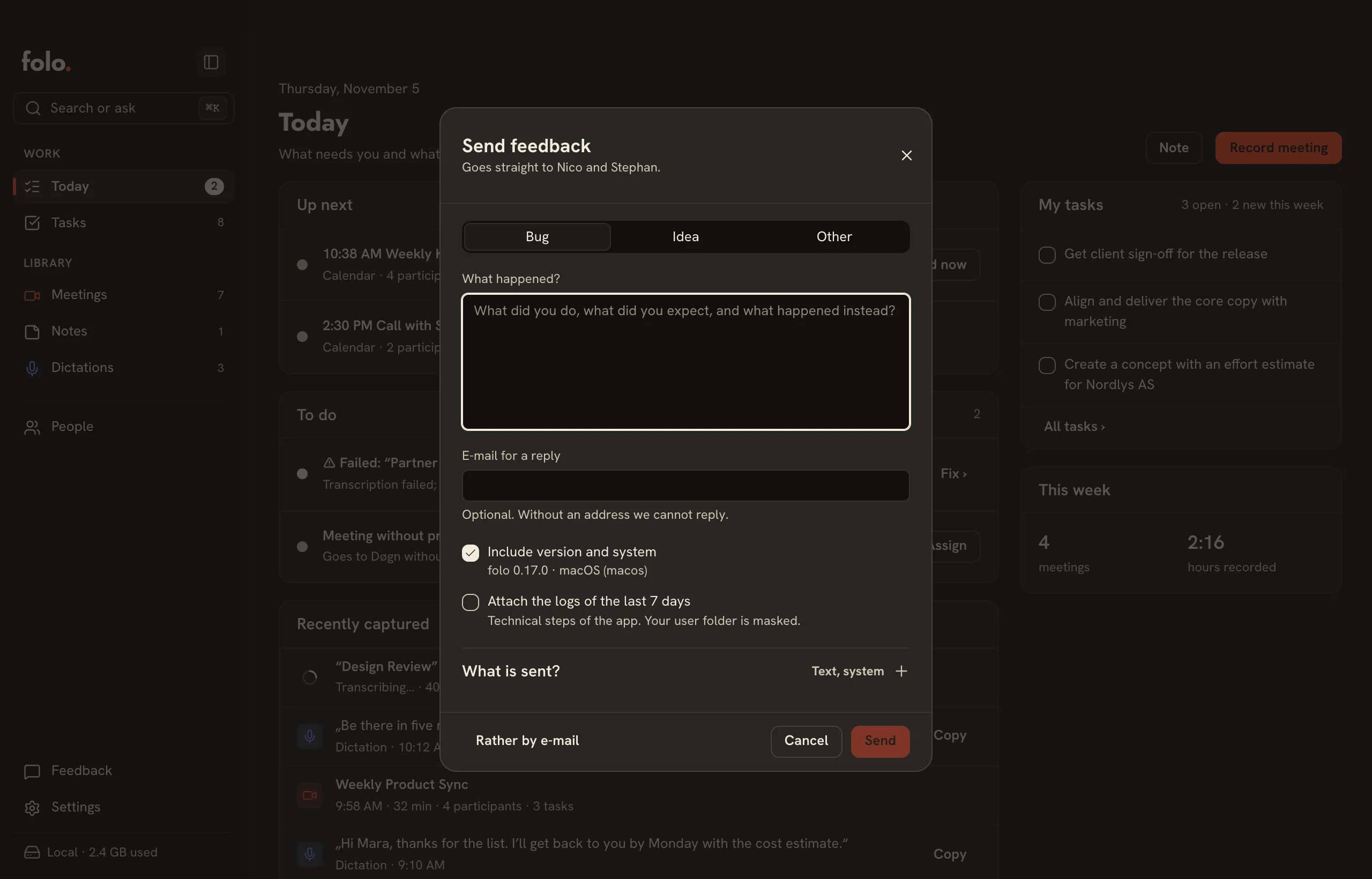
Something stuck, or got an idea? “Feedback” at the bottom of the sidebar sends your message straight to us, with or without a license. You see what goes out first. Version and system can be left out, and logs only go along if you want.
“Help & community” also has “Report a problem”: a readable diagnostics package without transcripts that you look through first and share yourself.
Trial and license
folo is in Early Access and can be used without a license until the official launch on December 1, 2026. After that you try it free for 14 days and unlock the app under “Settings › License” with your license key. You pay once, and updates cost nothing.
Already bought it? Until December 1, “Settings › License” only shows the status; the key field comes after that. Keep the key from your email until then.
Without an active license folo is read-only: your meetings stay readable and exportable. Recording and Ask folo need the license.