Reference
Webhooks
Last updated: November 2026
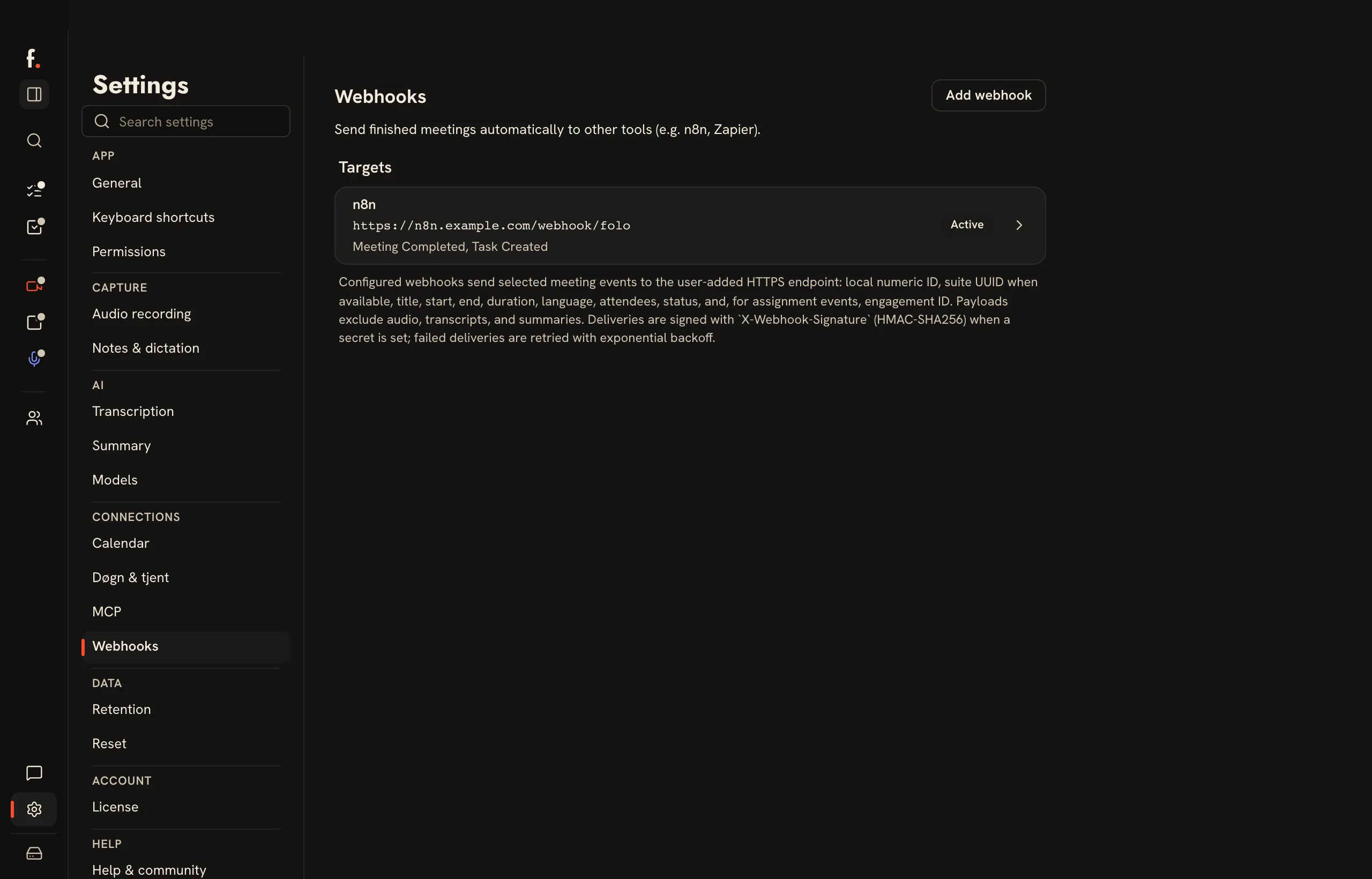
With webhooks, folo tells other tools when a meeting is done or a task comes in, n8n or Zapier for example. You set them up under “Settings › Webhooks”.
Adding a target
Click “Add webhook” and enter a name, a public https:// URL and at least one event. You can pick “Meeting Completed”, “Meeting Assigned”, “Meeting Deleted”, “Task Created” and “Task Completed”. localhost and private addresses don’t work.
The payload contains the local numeric ID, suite UUID when available, title, start, end, duration, language, attendees and status, plus the engagement ID for assignments. Task events contain the task text, assignee, status and source, but no quote. folo doesn’t send audio, transcripts or summaries.
Signature and delivery
HTTPS only: With a secret set, folo signs deliveries with X-Webhook-Signature (HMAC-SHA256), so the receiver can verify them. Failed deliveries are retried with exponential backoff. The last 50 deliveries from the past 7 days show up with the webhook, stored only on your computer.