Learning path
People
Last updated: November 2026
Name a voice once and folo knows it in every meeting. Voice profiles live on your computer. folo sends them neither to cloud services nor to webhooks.
The People page
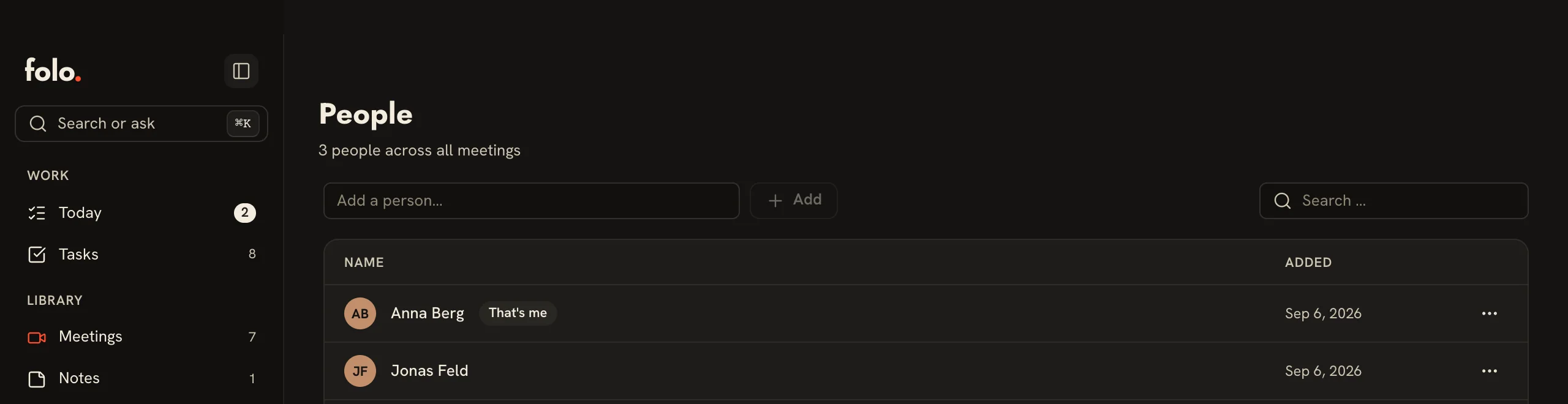
“People” shows everyone you’ve named in meetings. “Add a person…” creates someone. In the ⋯ menu you mark yourself with “That’s me”. “Mine” in Tasks goes by that.
Opening a person
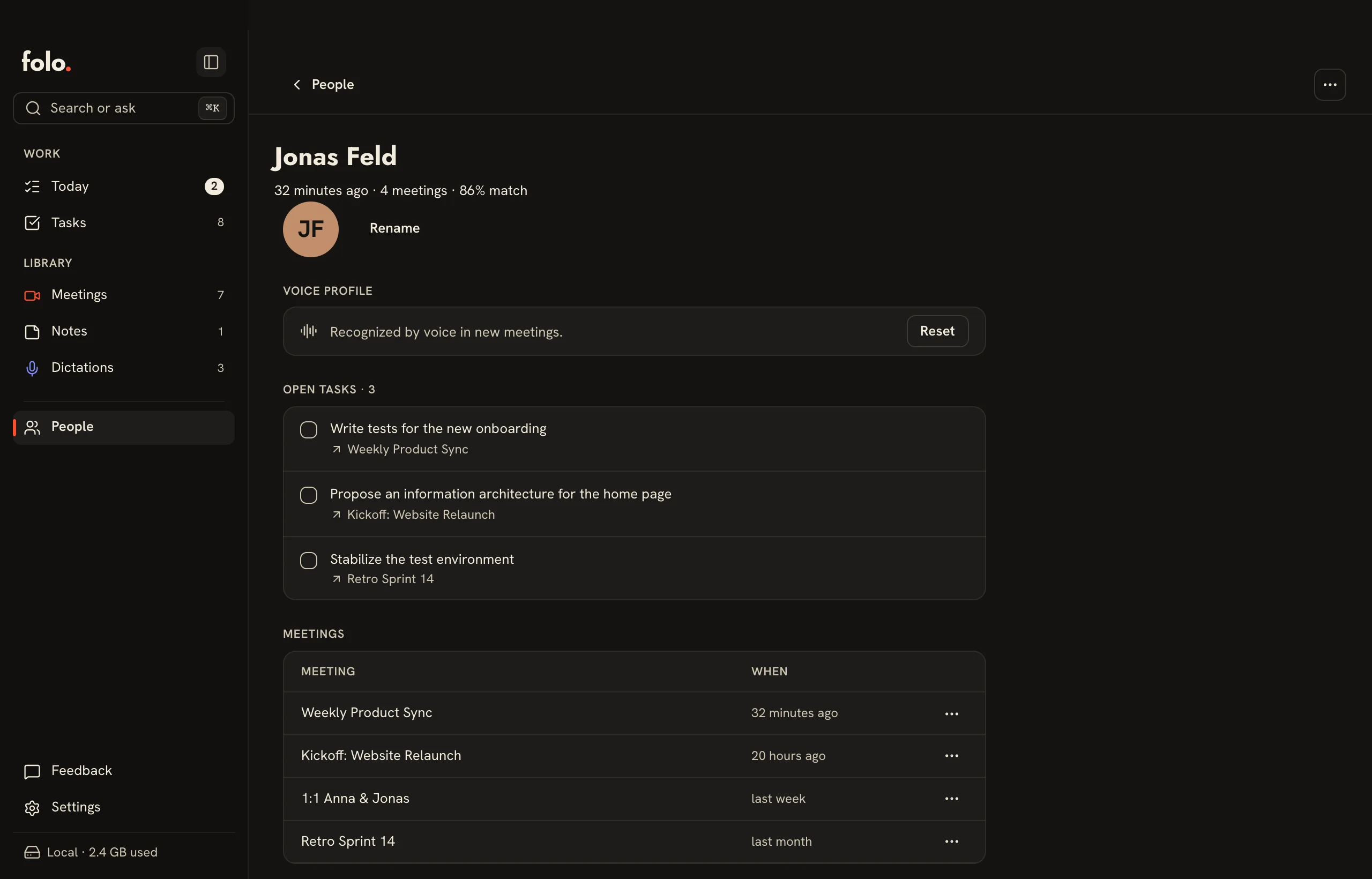
A click on the person shows it all in one place: voice profile, open tasks and their meetings. Before your next call with them, you see in a minute what’s still open.
Matching voices
You do this in the transcript under “All speakers”: listen, pick a person, done. Once linked, folo recognizes the person by voice in new meetings. To do that, folo keeps a short clip per speaker by default, even if you delete the recording.
Correcting and forgetting
- “Not this person”. Removes the link in one meeting. The meeting and its transcript stay.
- Voice profile “Reset”. For when folo learned the wrong voice. folo relearns the profile the next time you link the person to a speaker.
- “Forget this person”. Removes all speaker links for this person. Meeting recordings are kept.